
Product visualization
3D rendering vs product photography: when to use each
A physical sample, a CAD model and a launch brief offer different starting points. Choosing between rendering and photography begins with what you need to show and what you already have.
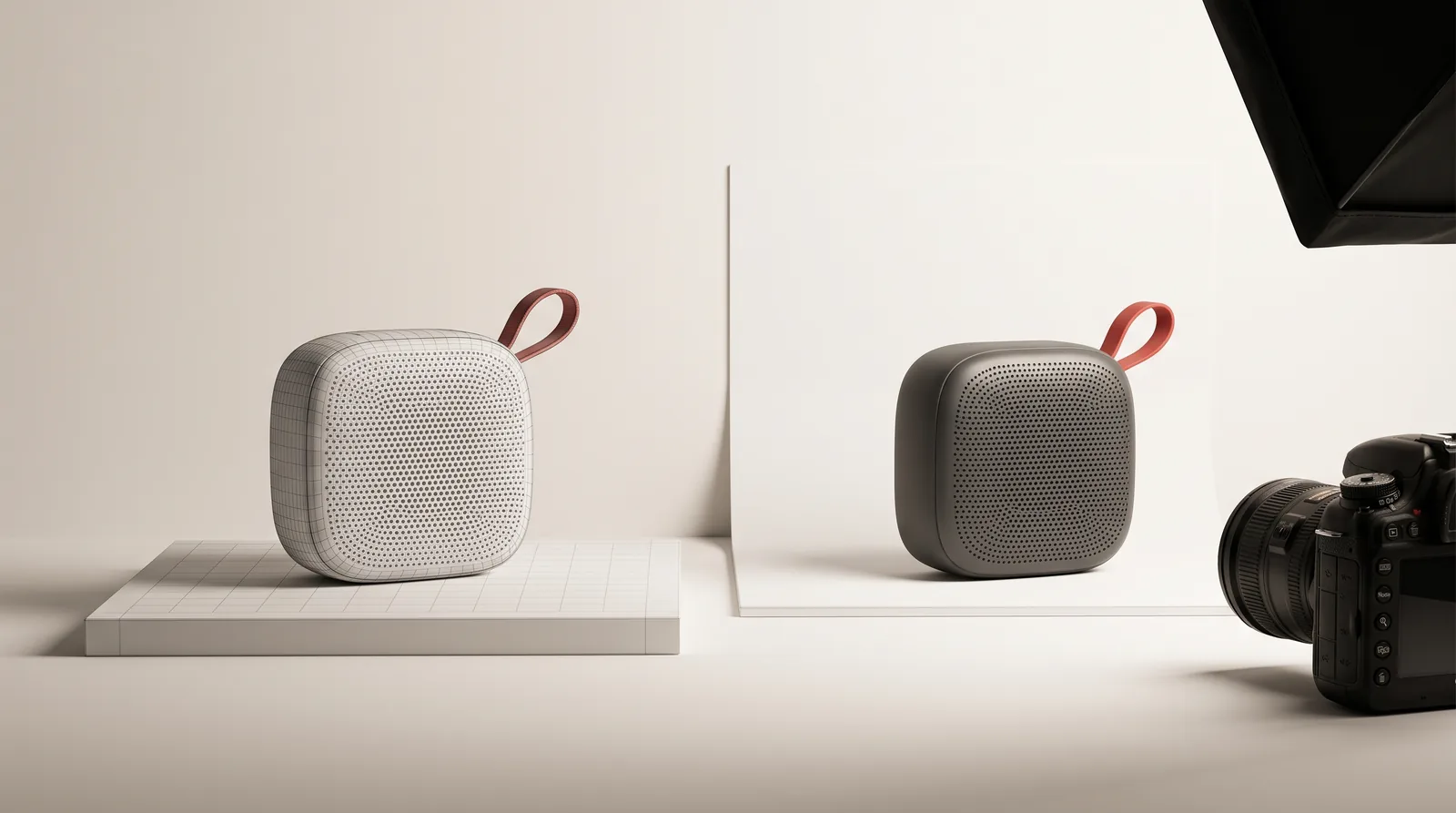
Start with the product you actually have
Photography needs something to photograph: a sample, a prototype or a finished object. Its condition matters. Surface marks, inconsistent samples or packaging that is still changing affect what can be captured and what needs retouching.
Rendering needs a digital representation of the product. A CAD file can be a starting point, but it does not automatically contain the final materials, labels or lighting. If there is no usable model, modeling becomes part of the scope.
Before choosing a method, list the available assets and identify what is still provisional. A product image should represent the version you intend to show, whether it comes from a camera or a virtual scene.
Compare the shot list, not just the technique
| Need | Photography | 3D rendering |
|---|---|---|
| A person using the product | Captures the real interaction, with the people and location organized for the shoot. | May support the scene, but natural human interaction adds its own production demands. |
| Multiple finishes | Requires the samples to be available and consistent across the shoot. | Can reuse a prepared model and scene, with each finish defined and checked. |
| A product not yet manufactured | Requires a representative prototype or sample. | Can work from approved geometry and material references. |
| Internal parts or an exploded view | May need disassembly, specialist setups or compositing. | Can separate modeled parts and control the viewpoint. |
| Complex natural surfaces | Records the surface present on the sample. | Requires enough references and surface work to represent the material convincingly. |
Materials need evidence in either process
Brushed metal, translucent plastic, fabric and soft-touch coatings respond differently to light. A color code alone does not describe roughness, transparency, texture scale or the appearance of an edge.
For rendering, supply photographs from several angles and any available finish references. For photography, agree on lighting and retouching so the final image remains useful to the buyer. In either case, review against a physical reference when one is available.
A polished result can still be misleading if the finish or proportions are wrong. The approval should cover the product itself as well as the composition.
Think about the whole product family
If the brief includes several colors, sizes or packaging versions, count those variants before estimating the work. With a prepared 3D scene, some elements can be reused, but a different material or shape may still require a separate setup and review.
For a shoot, organize the samples and decide which angles need to stay consistent. The right comparison is the complete deliverable list, including crops and revisions, rather than the cost of one isolated picture.
Our Liquid Aroma project shows several products and visual settings within one family. In Flick Edge, still images and a launch film include close details and an exploded view. These are examples of different deliverables that can grow from a product-focused 3D workflow.
A campaign can use both
A real person can establish scale and use, while a render shows an internal mechanism or a finish that is not available as a sample. Photography can also provide reference material for a rendered scene.
When combining techniques, agree on camera direction, lighting, color treatment and the intended role of each image. A lifestyle photograph and a technical close-up do not need identical compositions, but they should describe the same product.
The production plan should identify which images are photographed, rendered or composited. That makes review and attribution clearer for everyone involved.
What to include in your first brief
- The product stage: concept, prototype or production-ready.
- Available CAD, samples, packaging artwork and finish references.
- A shot list that explains what each image needs to show.
- Variants and required delivery formats.
- Where the images will appear and any launch dependencies.
- Who can approve geometry, materials and creative direction.
From there, the method can follow the requirements. If you are starting with product data, our CAD preparation guide explains what to gather before production.
Let’s look at the product and the shot list.
Share your model, sample references and intended images. We can help define the visualization work and what needs to be prepared.
Discuss product imagery↗Product visualization ↗